
Claim a seat
Someone bought a table and sent you a link. Open it and add your details to take a seat. You do not pay.
Claim your seat
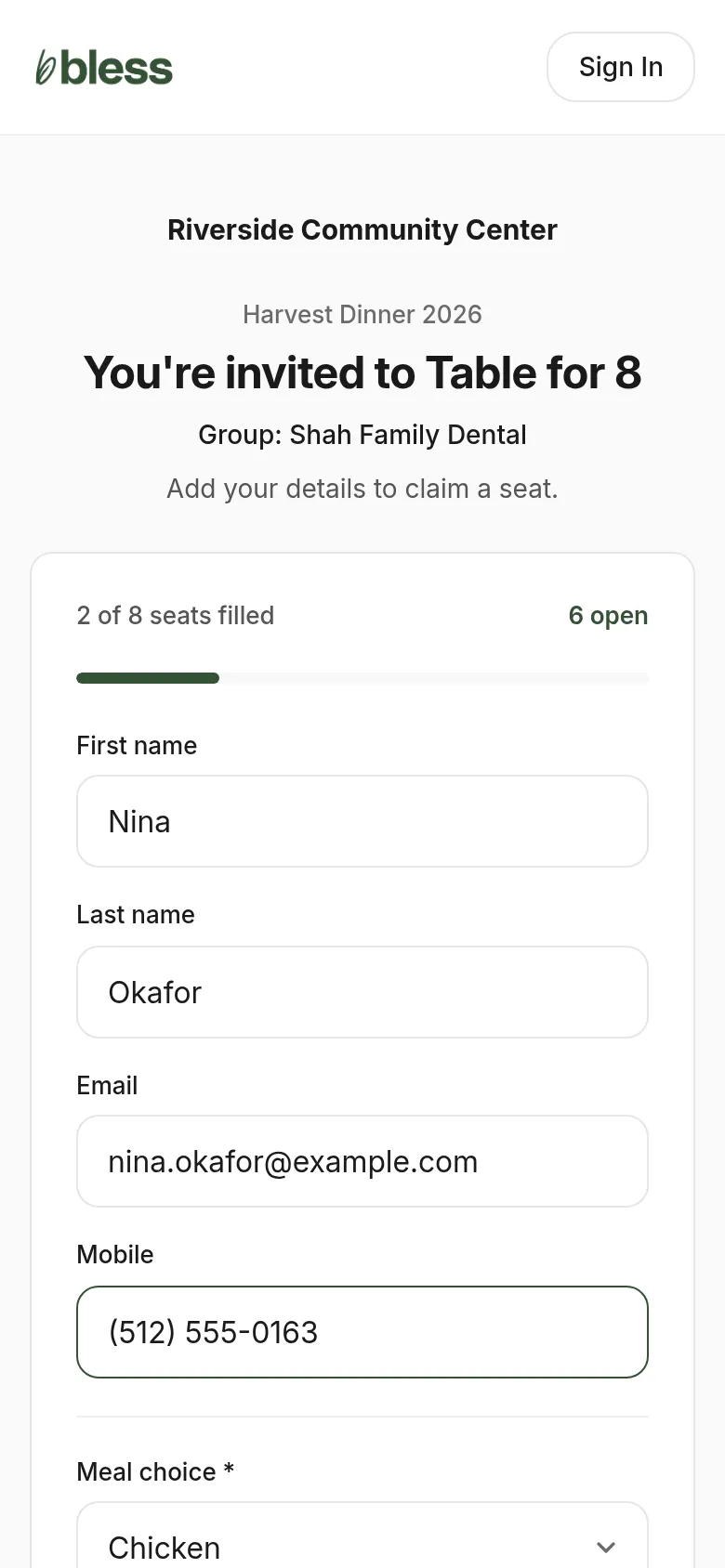
- Open the link the host sent you.
- Check the event and the group name at the top.
- Type your name, email and mobile number.
- Answer the questions, such as your meal choice.
- Press Register.
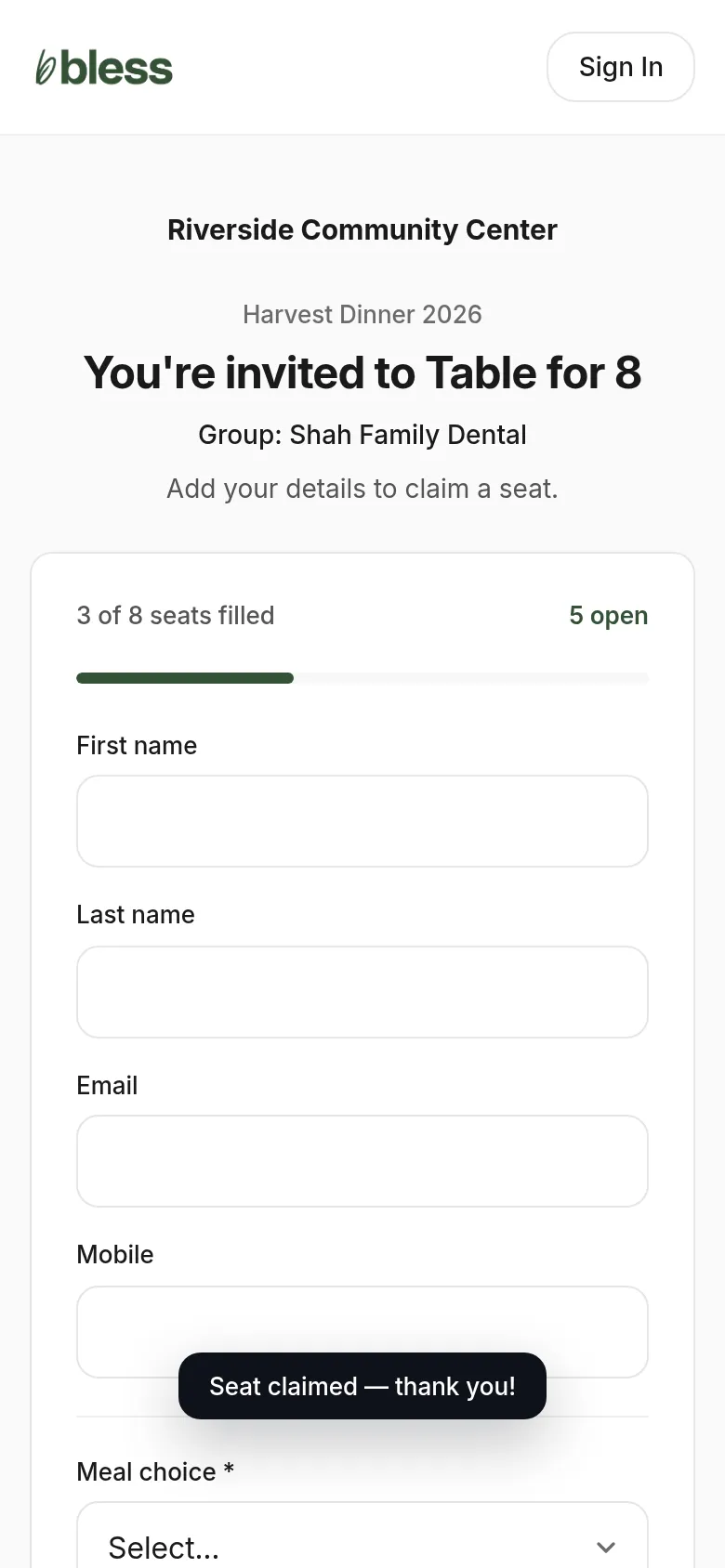
You see “Seat claimed — thank you!” and the count of filled seats goes up.
If the link does not work
| The page says | What it means |
|---|---|
| This table isn’t ready yet | The host’s payment is still in progress. Try again later. |
| This group is full | Every seat has a name. Ask the host. |
| You’re already registered for this event | You have a registration already. You do not need a seat. |
If the link stops working, the host may have canceled the table. Ask the host or the organizer.
Updated
Was this page helpful?
Thank you. Your answer helps us make these pages better.