
Room screens
One page for the venue's screens. It follows the night on its own.
Draft. These pages describe the auction night as it is being built. Some screens are not released yet, and the pictures use sample data.
Put it up
- Open the room screen on the venue’s laptop.
- Go full screen.
That is all. The screen changes with the night as you run it from Tonight. Nobody needs to touch it.
Silent items
From doors until the live program. The screen rotates through items every ten seconds and favours items with no bids yet.
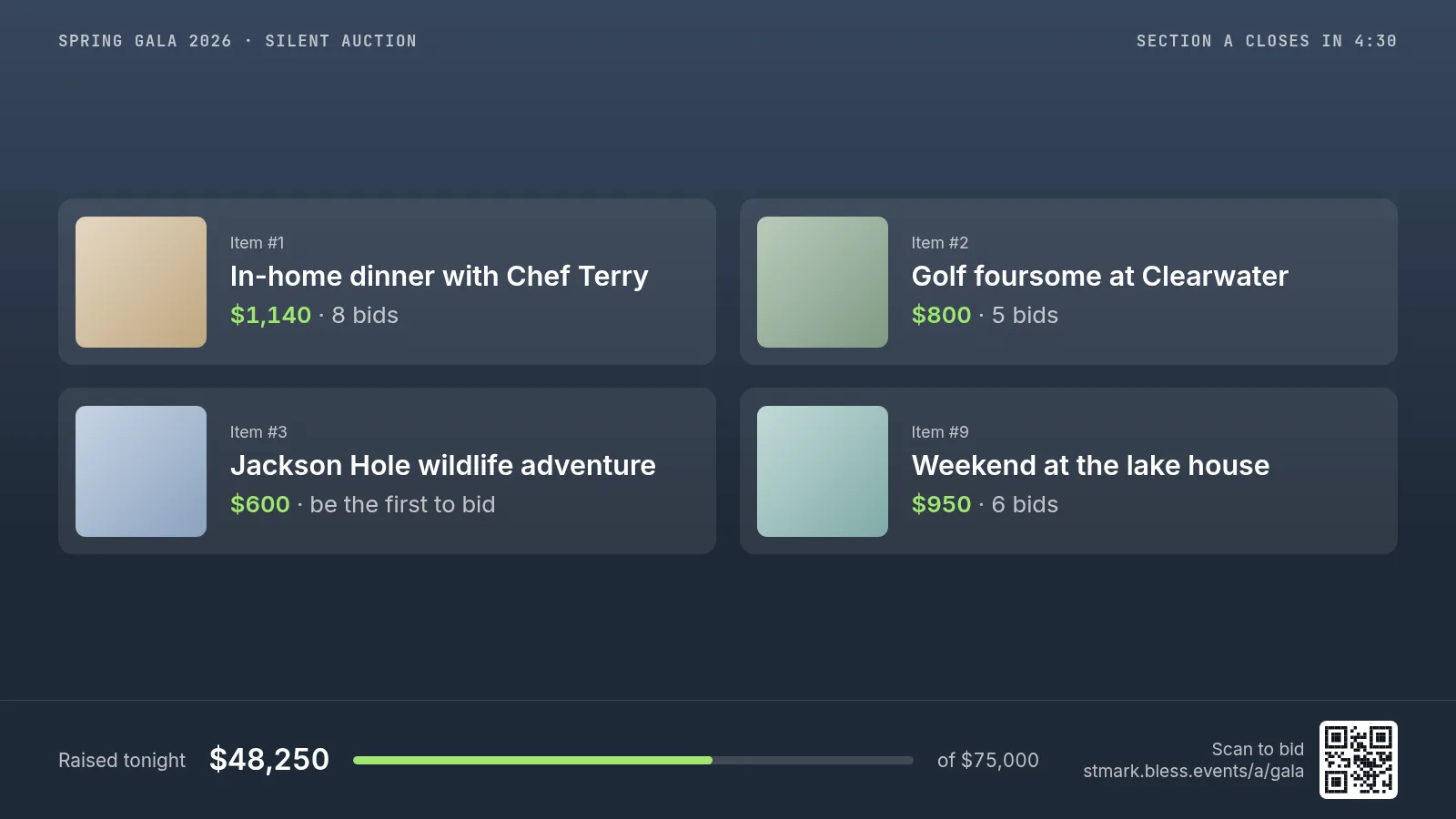
The countdown for the section stays in the corner, and every slide has a code guests can scan to bid.
Live item
During the live program. The current bid is the largest thing on the wall, so the auctioneer can read it too.
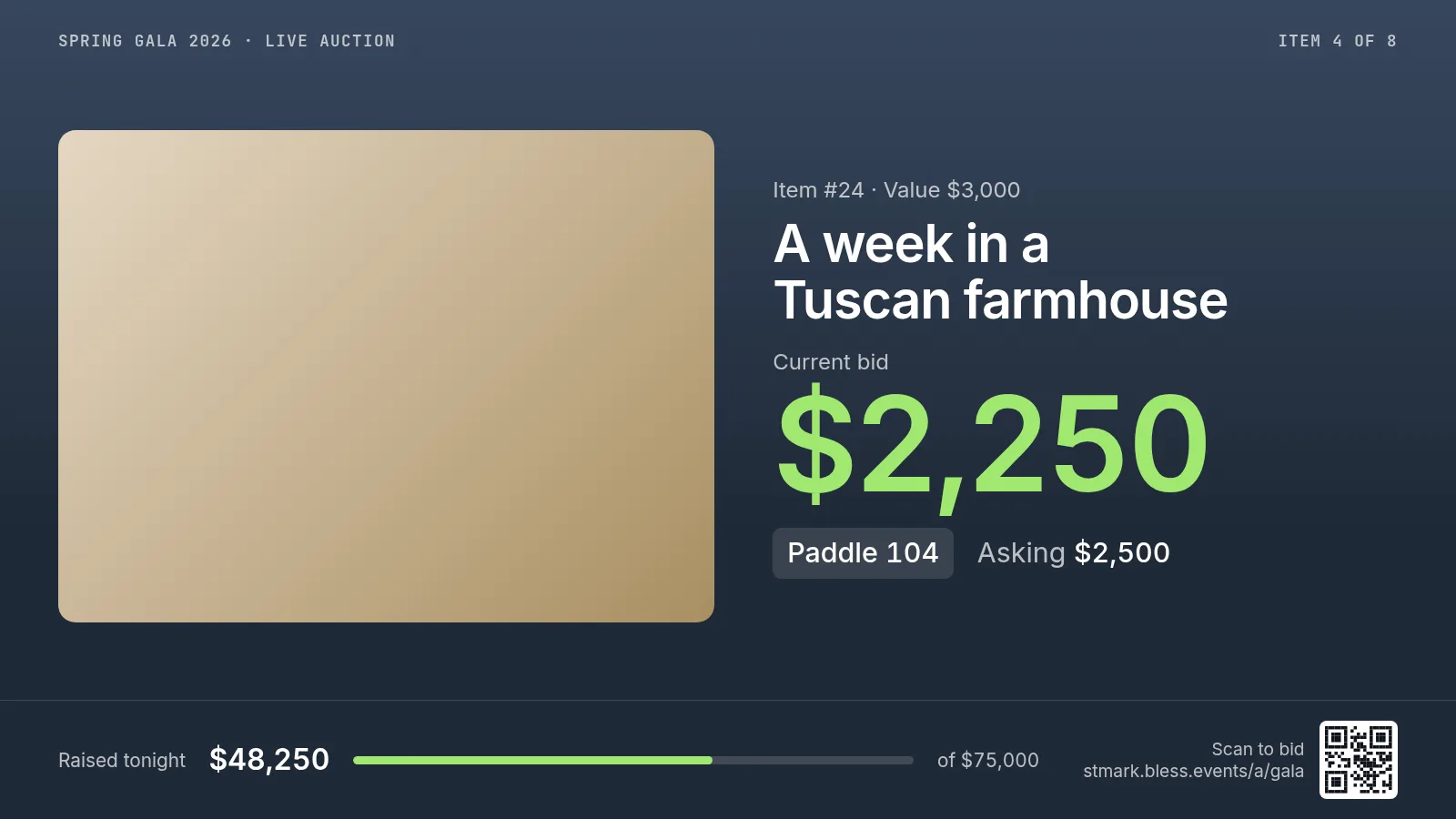
The screen shows the leading paddle number until the item is sold.
Sold
For a few seconds after each sale, when the spotter confirms it. The screen names the winner and their table.

Paddle raise
During the appeal. Each paddle a spotter enters adds a name and moves the total.
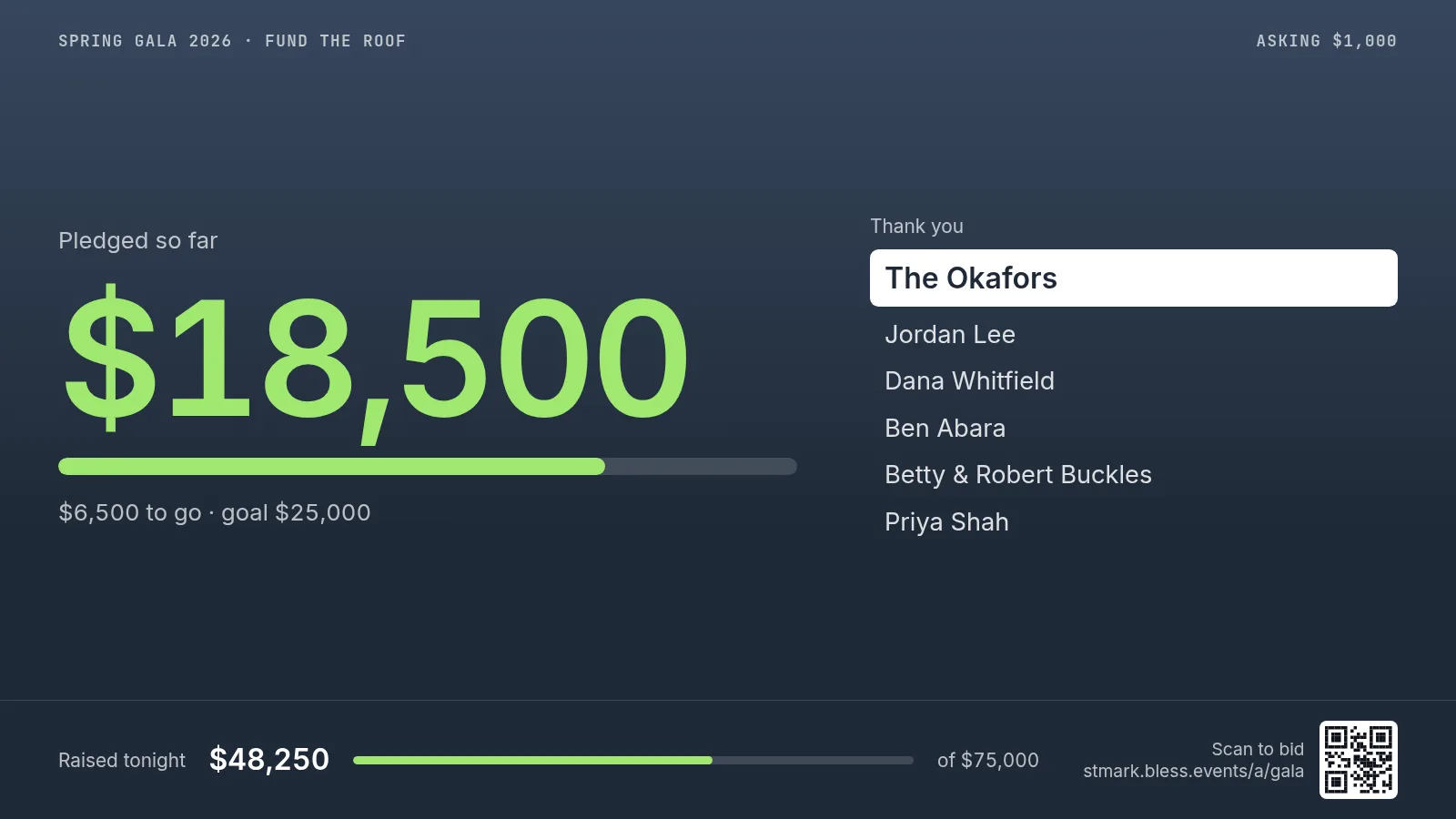
The newest giver is highlighted, and the screen shows how much is left to reach the goal.
Top tables
A slide that ranks tables by what they have raised. It joins the rotation only if you turn it on.
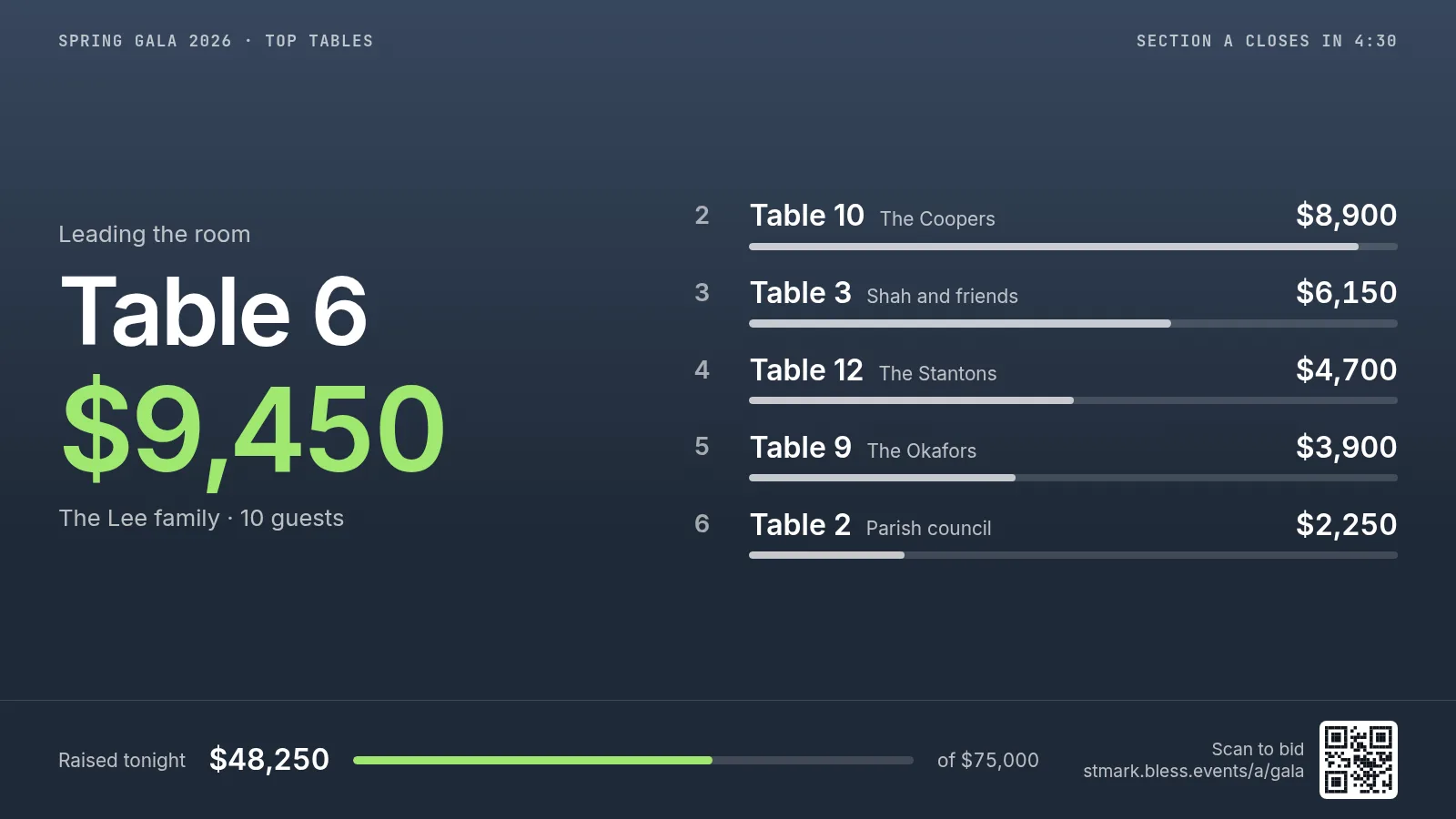
Tables are named by their host. The leading table and five more are shown, so no table sees itself in last place.
Top tables is not part of the first release.
Updated
Was this page helpful?
Thank you. Your answer helps us make these pages better.