
Your account
Sign in at your organization's address, reset a forgotten password, open your profile and log out.
Sign in
- Open your organization’s address, such as
riverside.blessevents.com. - Press Sign In.
- Type your email and password, and press Log in.
If your email is on more than one organization, sign in from that organization’s own address. On the main Bless address, you see “This email is associated with multiple organizations.”
Forgot your password
- On the sign-in page, press Forgot your password?.
- Type your email and press Send reset link.
- Open the email and press its link. It works for 6 hours.
- Type a new password of 6 characters or more.
An owner or admin can also send you a reset link.
The account menu
Press your name at the bottom of the sidebar.
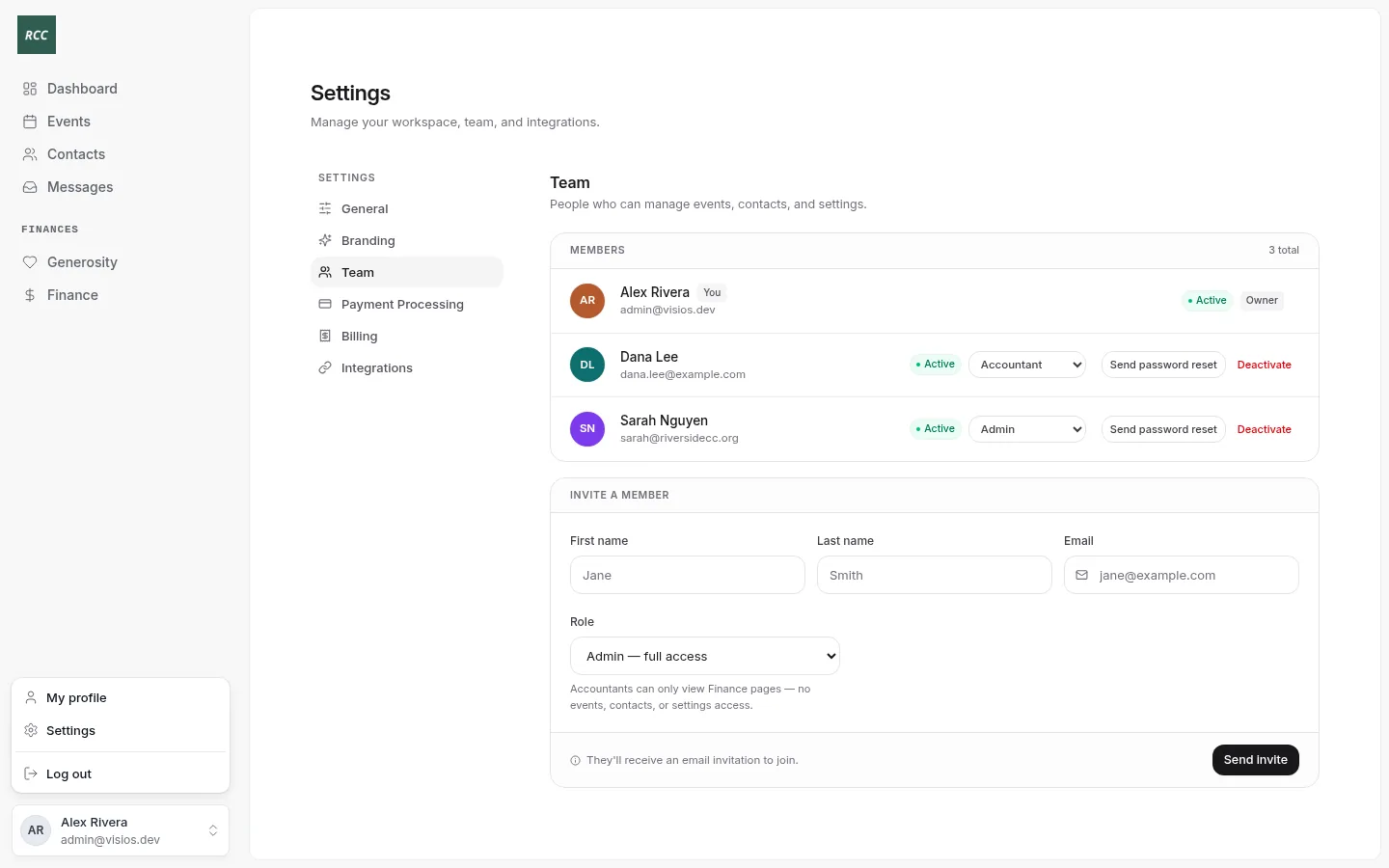
- My profile opens your own details as a member of the organization: your email, phone, address, household and announcement emails. See Your profile and household.
- Settings opens Settings.
- Log out signs you out.
An accountant sees only Log out.
What you cannot change
You cannot change your sign-in name, email or password inside Bless. To change your password, use Forgot your password?. To change your name or email, ask an owner or admin to invite you again with the new details.
Updated
Was this page helpful?
Thank you. Your answer helps us make these pages better.