
Manage a recurring gift
Change the card or bank account behind your recurring gift, or stop it. You do not need a password.
Get a link
- Open the receipt email for your gift.
- Press Manage your recurring gift.
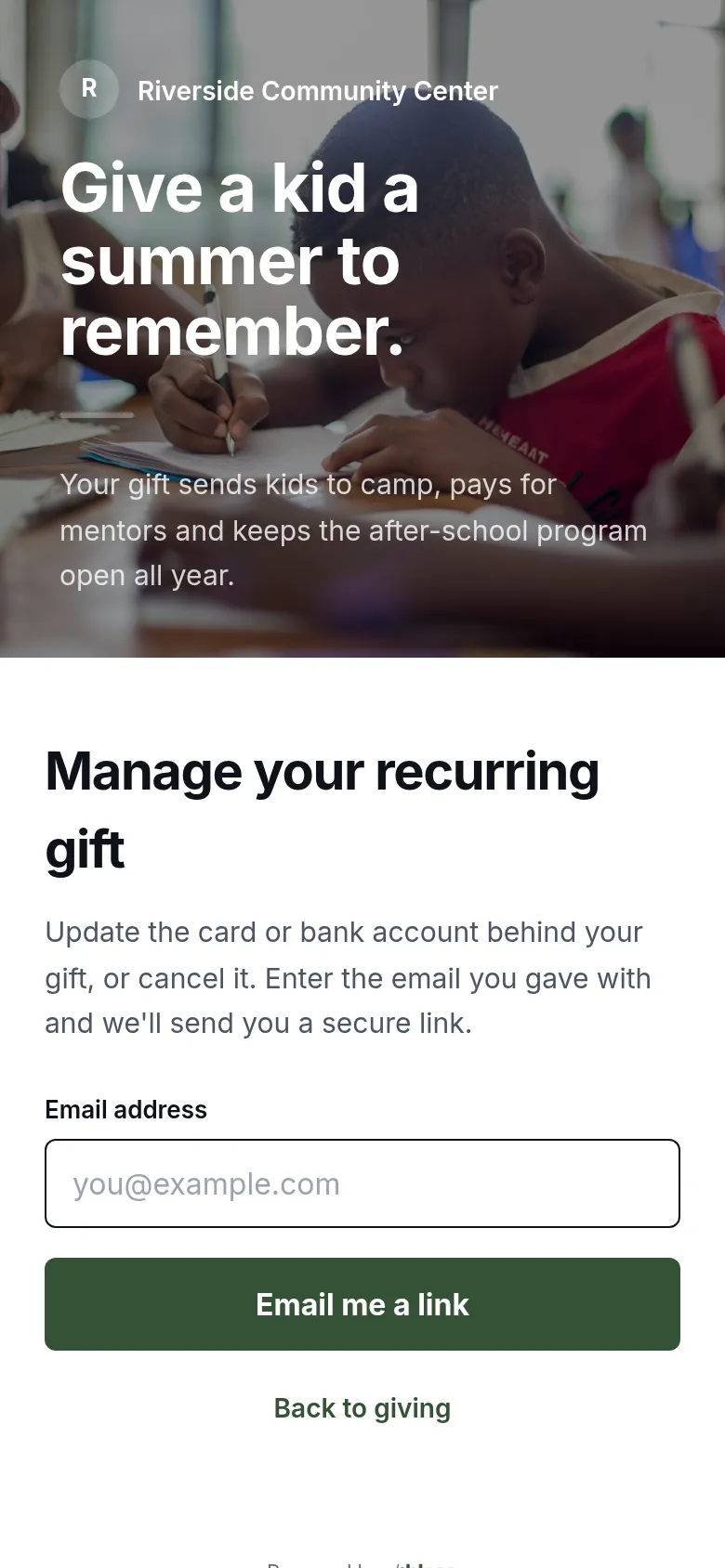
- Type the email you gave with.
- Press Email me a link.

- Open the new email and press Manage my recurring gift. The link works for one hour.
Change or stop the gift
The link opens a secure page from Stripe, the payment company.
- Update the card or bank account.
- See your past payments.
- Cancel the gift. It stops at once. No more charges are made.
If the link has expired, you see “That link has expired.” Type your email again for a new one.
If you have an account
Sign in and open Giving. You can change the amount of a monthly gift, change the card, or stop the gift there. See Your giving.
If a payment fails
If a charge fails, for example because a card expired, Stripe tries again. Update your card with the steps above, so the next try works.
Updated
Was this page helpful?
Thank you. Your answer helps us make these pages better.