
Give
Give from a giving page in three steps: choose an amount, tell us who you are, and pay. It works the same on a phone and a computer.
Choose an amount
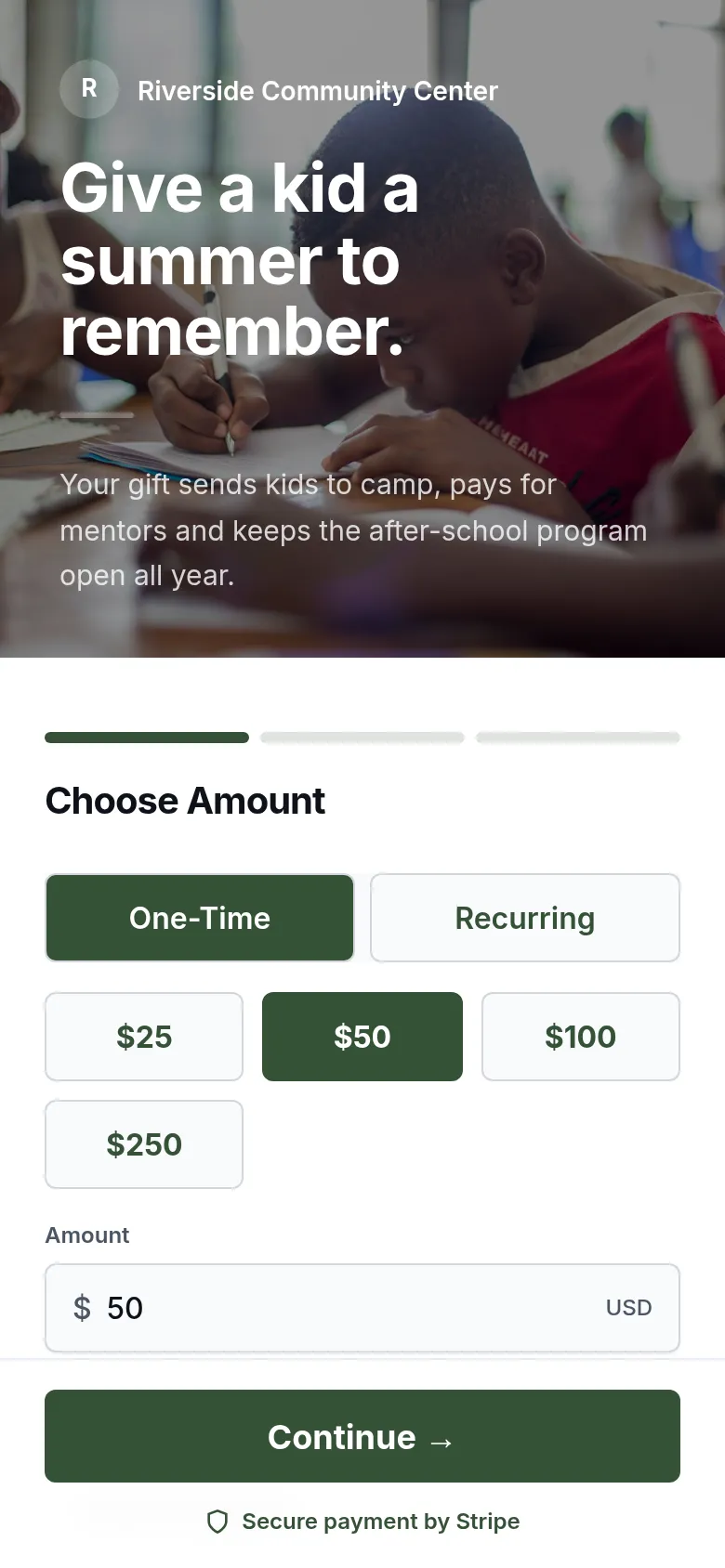
- Choose One-Time or Recurring.
- Press a suggested amount, or type your own in Amount. The smallest gift is $1.00.
- Under Use my gift for, check the fund. Change it if you want your gift to go somewhere else.
- Leave the switch on to add the processing fee, so all of your gift reaches the organization. Turn it off if you prefer.
- Press Continue.
Give on a schedule
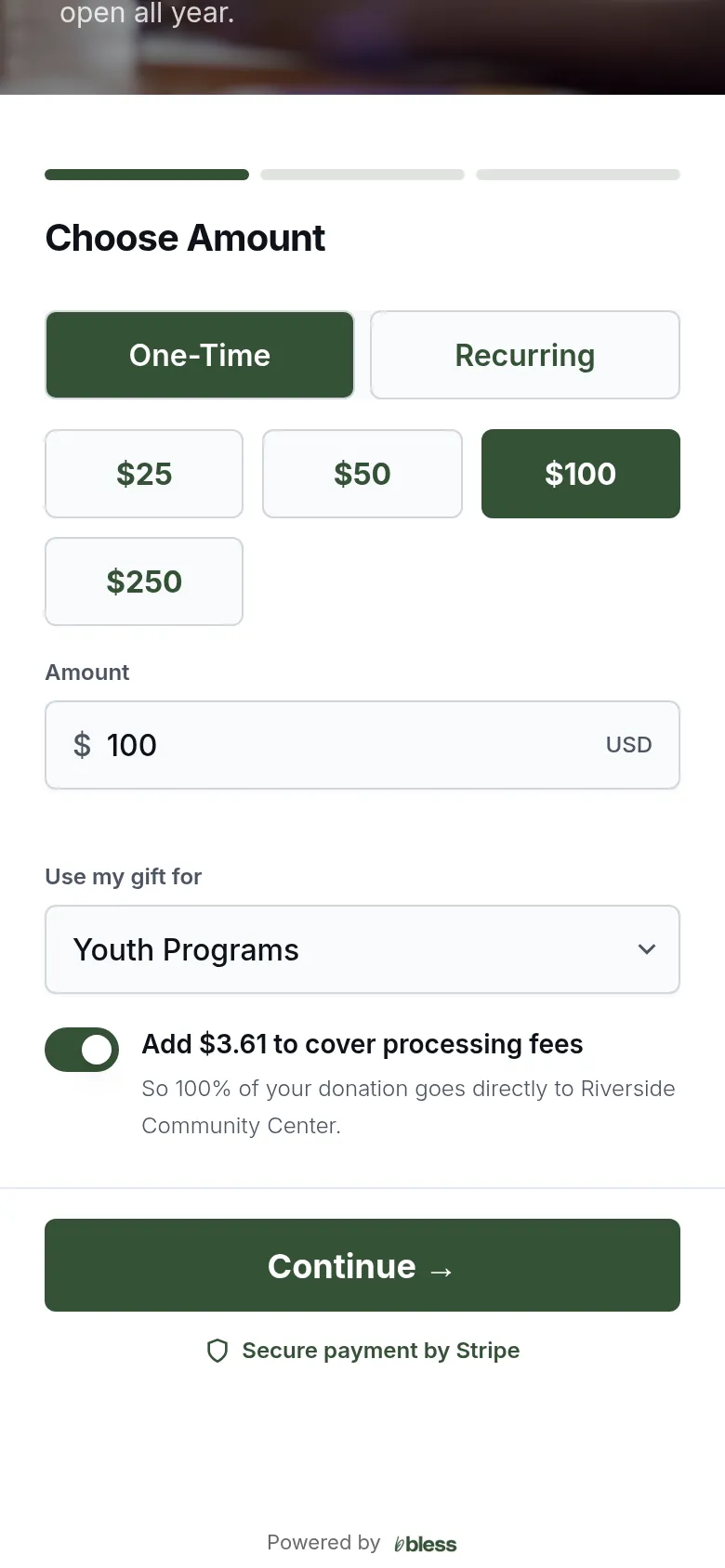
Press Recurring, then choose how often:
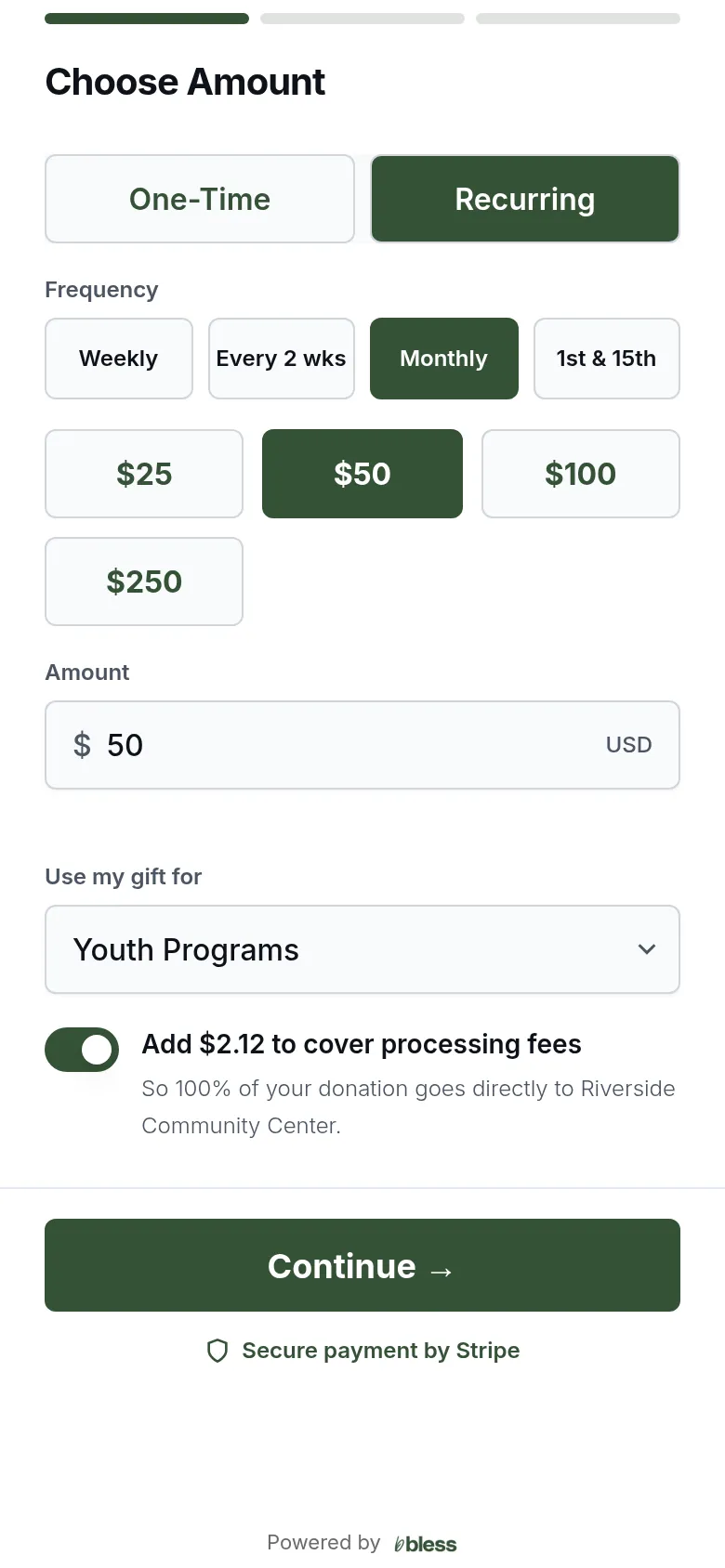
- Weekly
- Every 2 wks
- Monthly
- 1st & 15th: two gifts each month, on the 1st and the 15th. Nothing is charged today.
Each charge after the first happens on its own. You get a receipt each time.
Your information
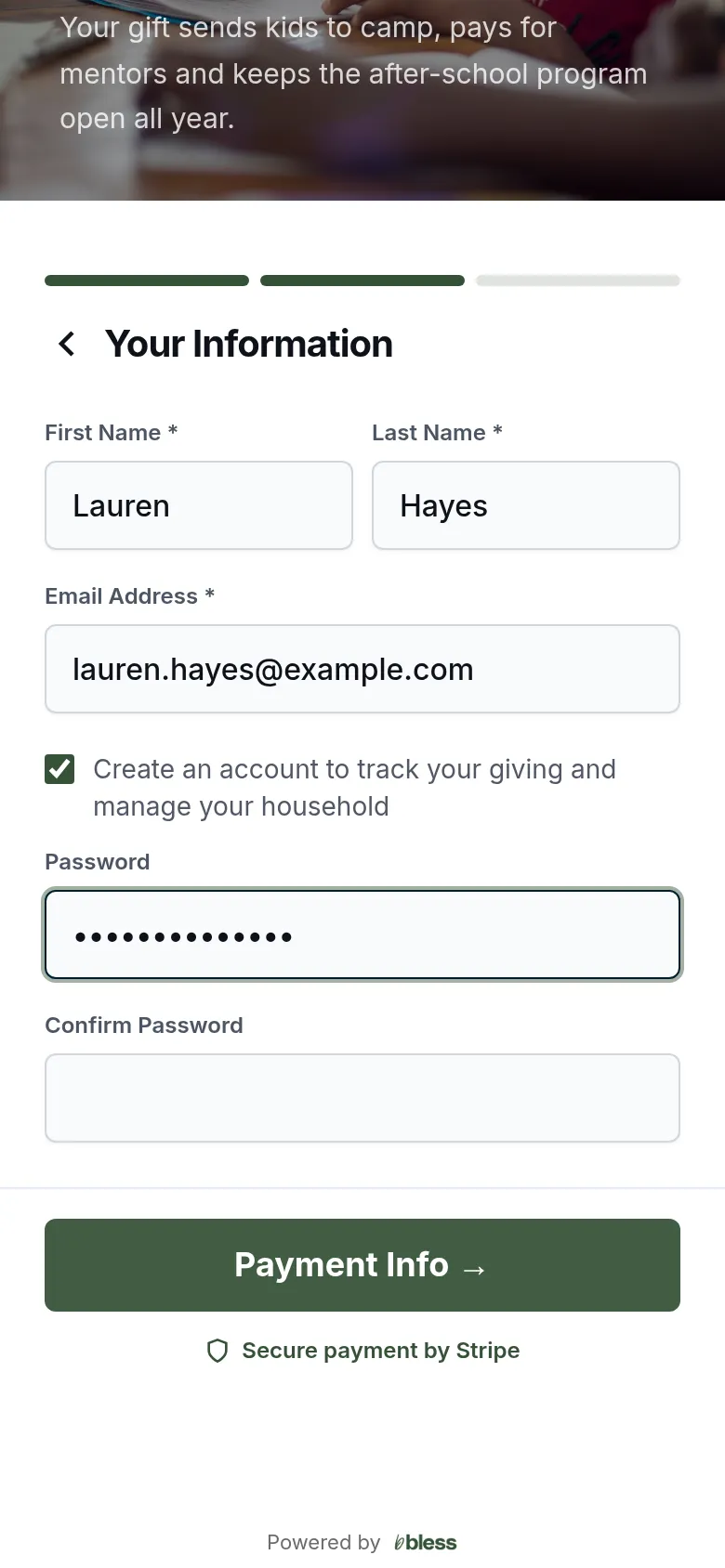
- Type your first name, last name and email.
- Tick Create an account to track your giving and manage your household if you want an account. Choose a password.
- Press Payment Info.
If your email already has an account, Bless asks you to sign in. Some organizations also ask for your phone number or a billing address.
Pay
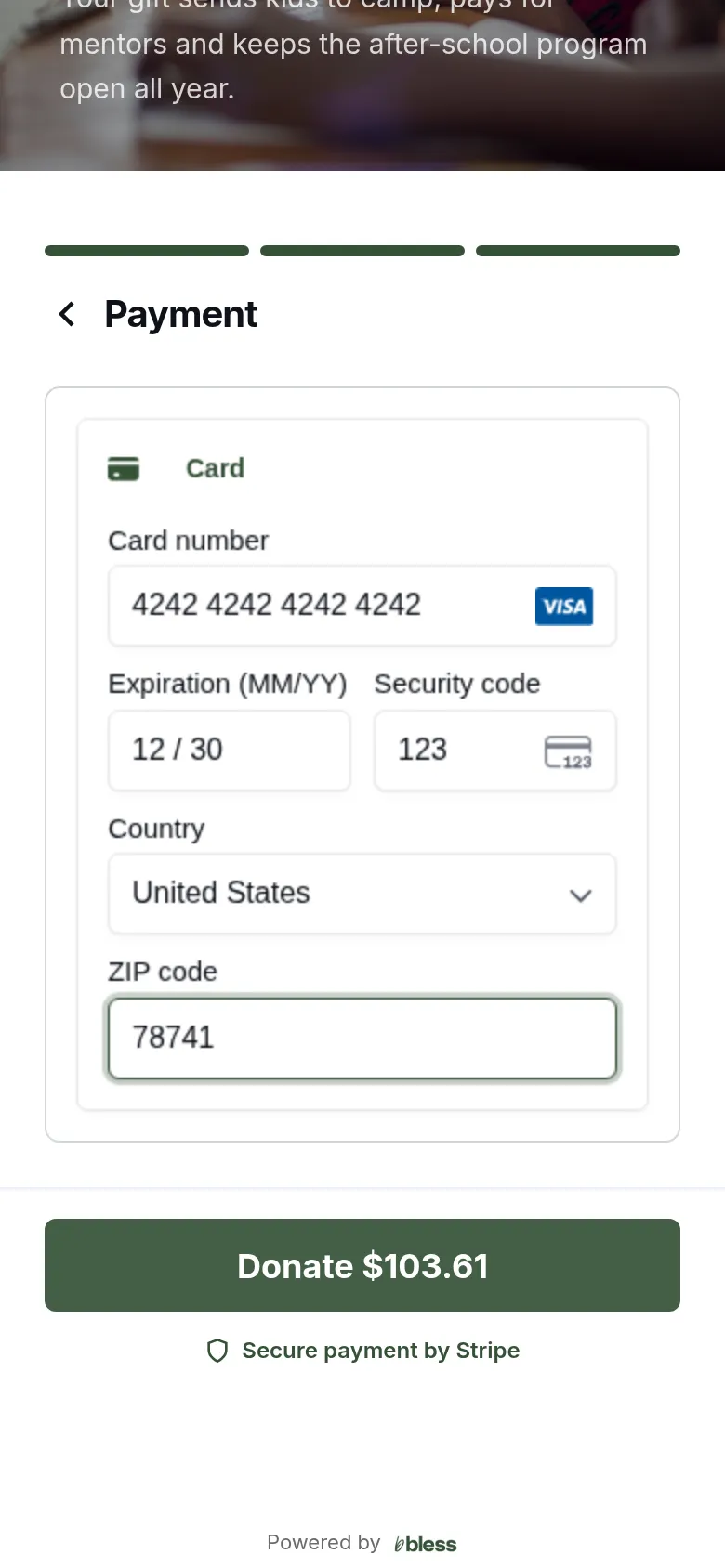
- Type your card details. You may also see a bank account or a wallet, such as Apple Pay.
- Press Donate. The button shows the total.
Thank you
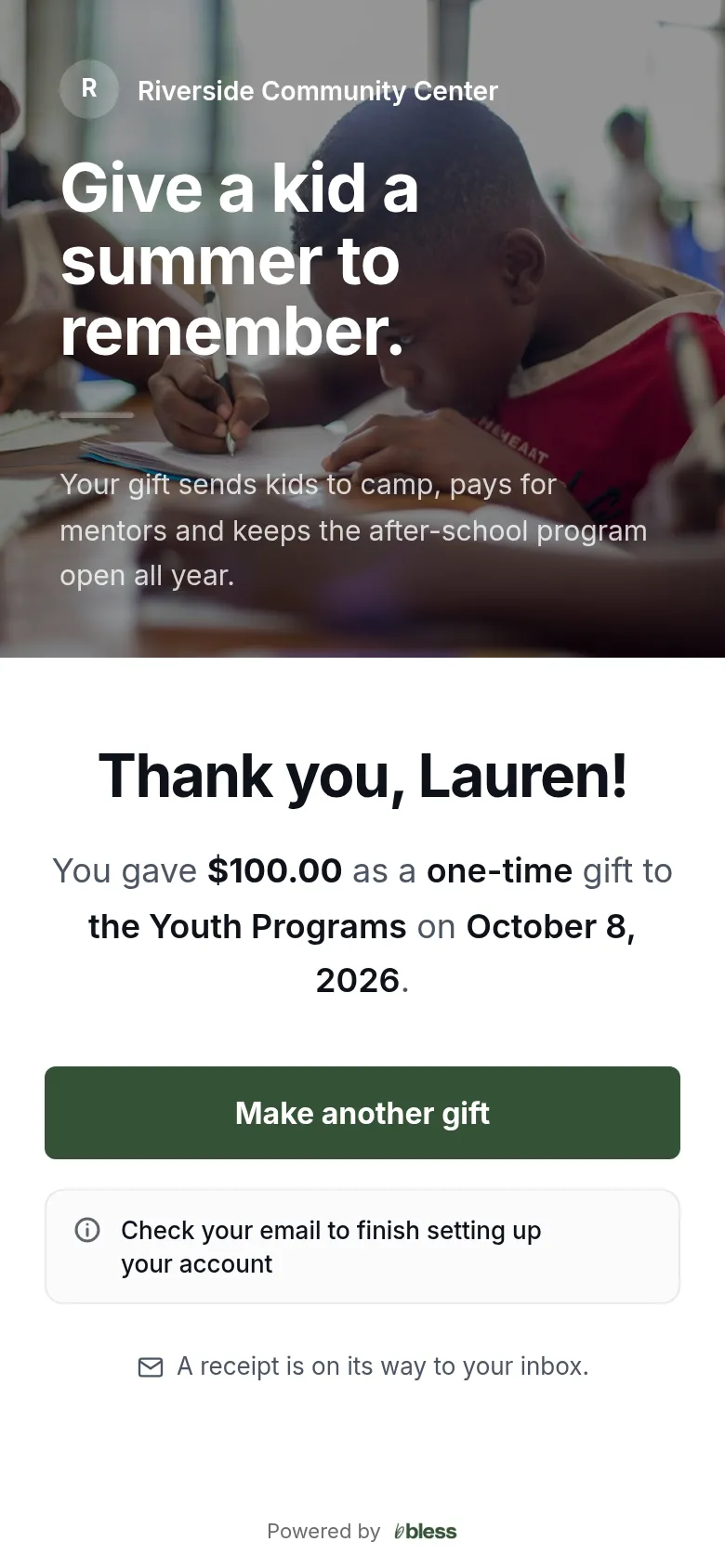
The page shows the amount, how often and the fund. A receipt is on its way to your inbox.
For a recurring gift, the page says how often it repeats.
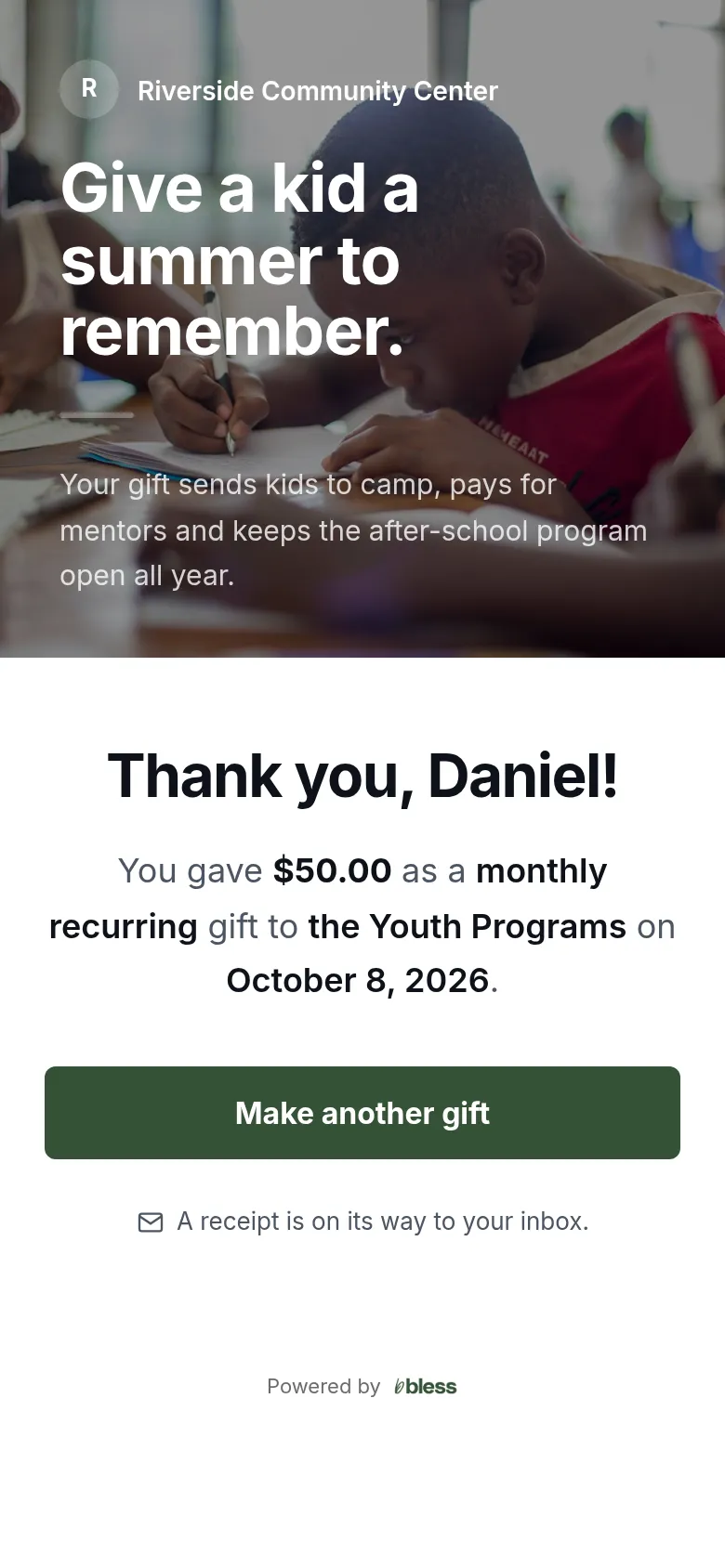
- Press Make another gift to give again.
- If you asked for an account, check your email to finish setting it up.
The emails you will get
| When | Subject |
|---|---|
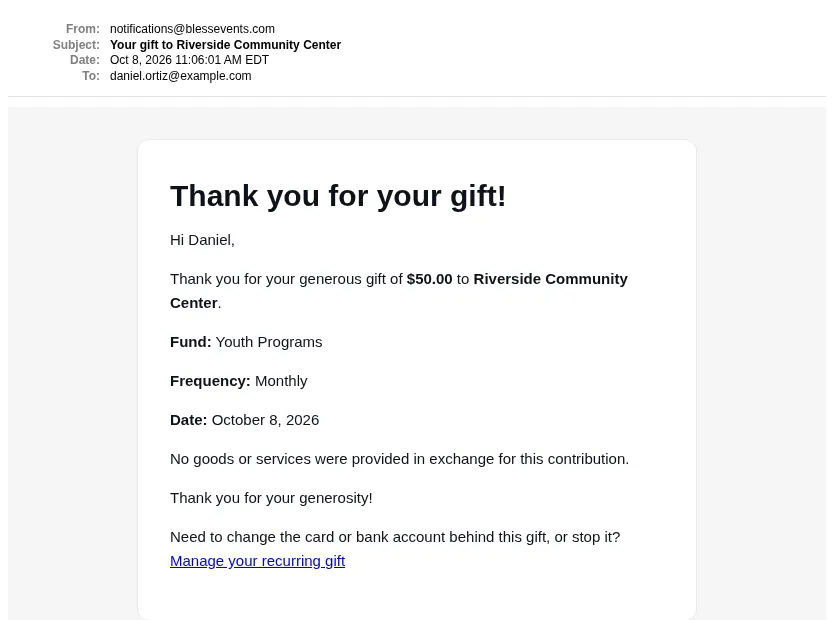
| Each gift goes through | Your gift to (organization) |
| You asked for an account | Your account at (organization), or Set up your account at (organization) |
| You ask for a link to manage a recurring gift | Manage your recurring gift to (organization) |
Each receipt shows the amount, the fund, how often and the date. It says that no goods or services were given for the gift. A recurring gift’s receipt has a Manage your recurring gift link.
Updated
Was this page helpful?
Thank you. Your answer helps us make these pages better.