
Your access
What an accountant sees in Bless Events, and what to ask an owner or admin to do.
What you see
When you sign in, Bless opens Finance. The sidebar shows only Dashboard and Finance.
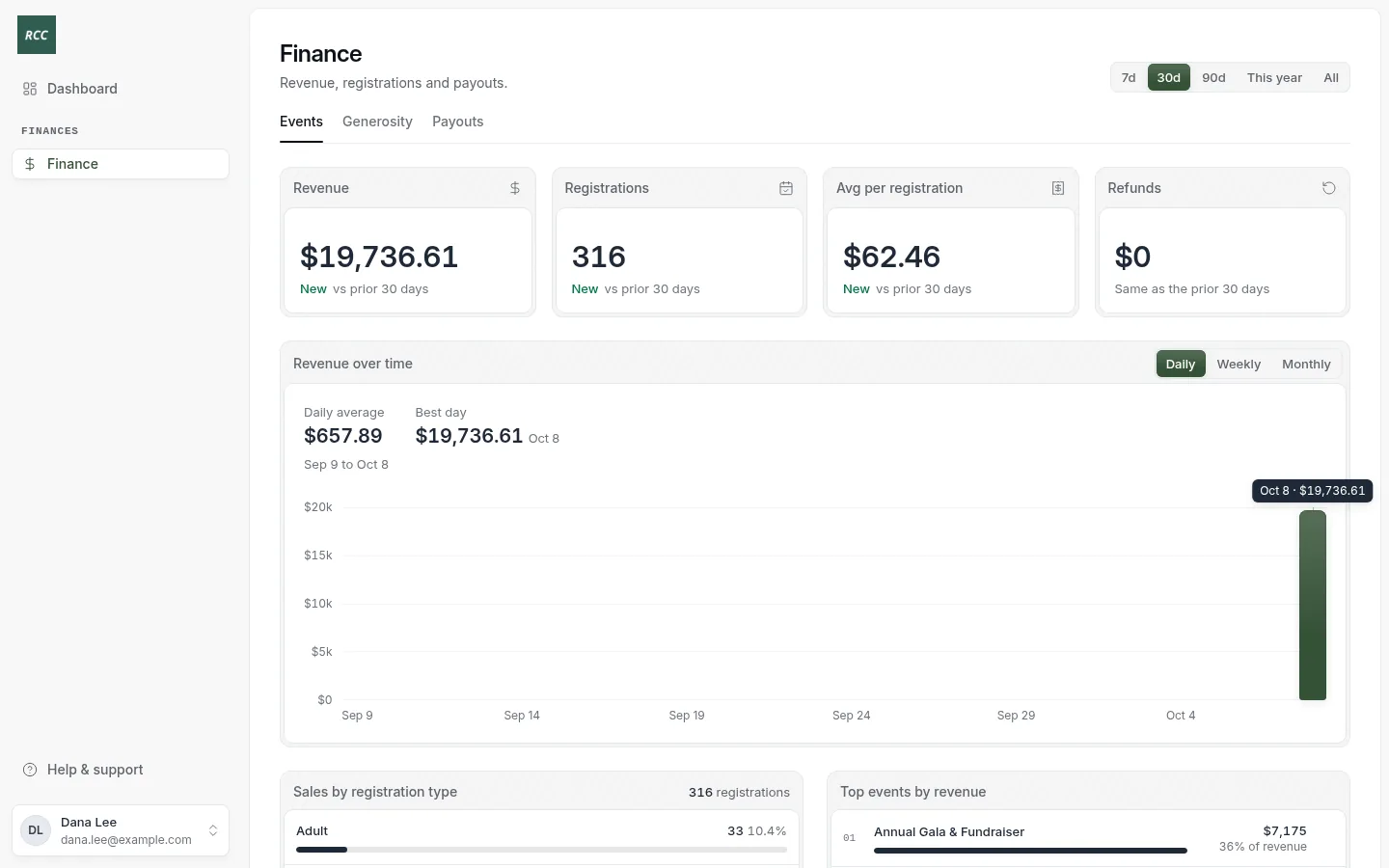
- Finance › Events: event revenue. See Event revenue.
- Finance › Generosity: gifts, recurring gifts and refunds. See Donations and refunds.
- Finance › Payouts: deposits to the bank. See Payouts.
- Dashboard: the numbers for the last 30 days, upcoming events and recent gifts.
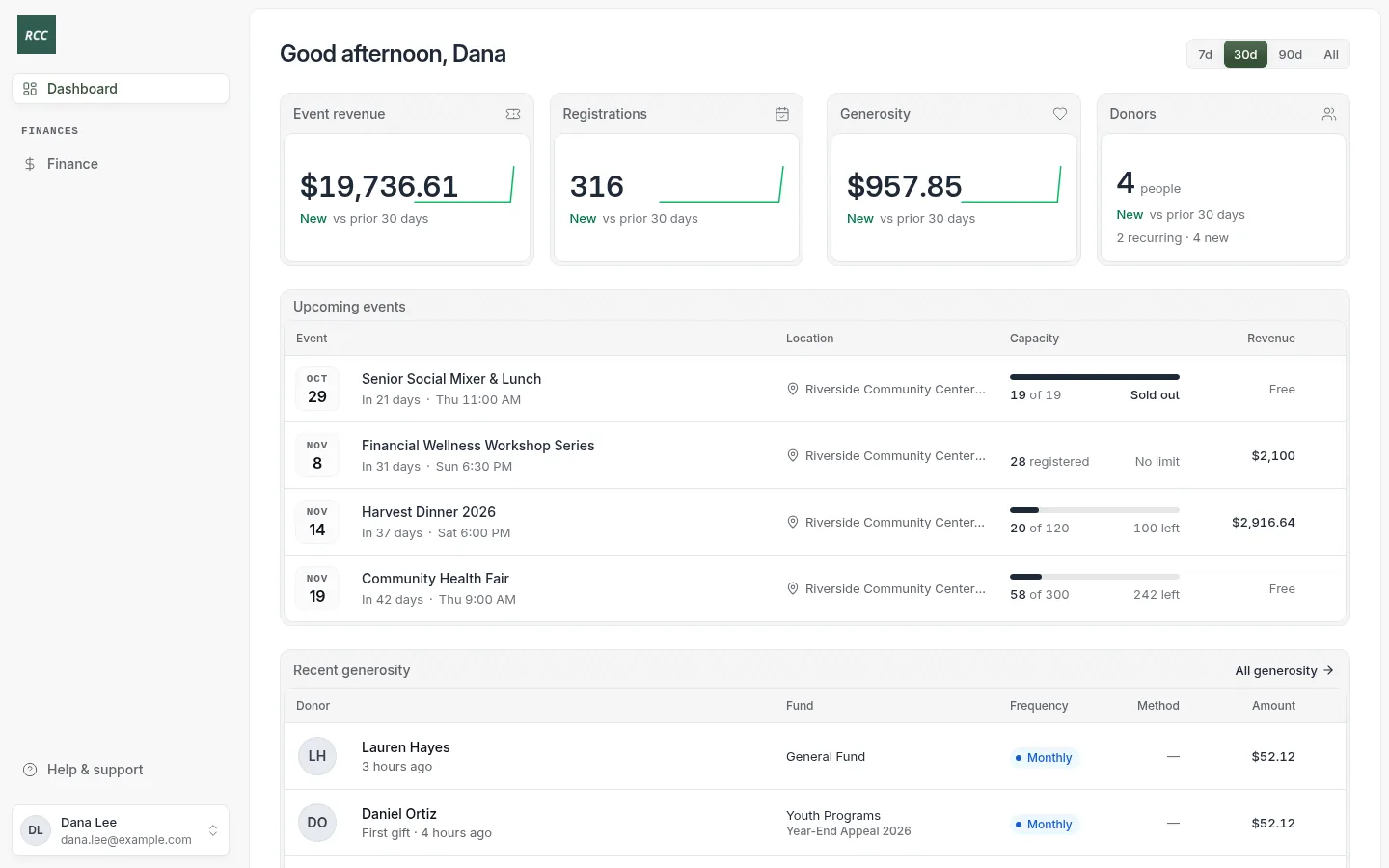
Names and events show as plain text. You cannot open them.
What you can do
- Read every number in Finance, for any period.
- Export payouts as CSV or PDF.
- Export gifts as CSV.
- See failed payouts under Needs your attention on the Dashboard.
Ask an owner or admin to
- Refund a gift or an event order.
- Add or change a fund, a campaign or a GL code.
- Change a contact, an event or a setting.
- Change your role.
If you open a page you cannot use, you see “You don’t have permission to access that page.”
Updated
Was this page helpful?
Thank you. Your answer helps us make these pages better.