
Confirm your email
A family member gave your email when they added you to their household or registered you for an event. Confirm it, so it becomes your own.
The email you get
When a household member types your email, Bless sends you an email with the subject “Confirm your email for” and the organization’s name.
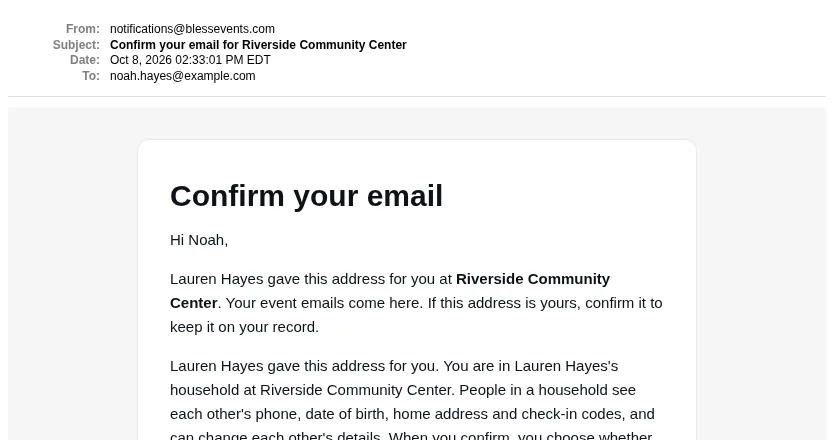
Until you confirm it, your event emails, such as registration confirmations, already come to this address.
Confirm your email
- Open the email and press Confirm my email.
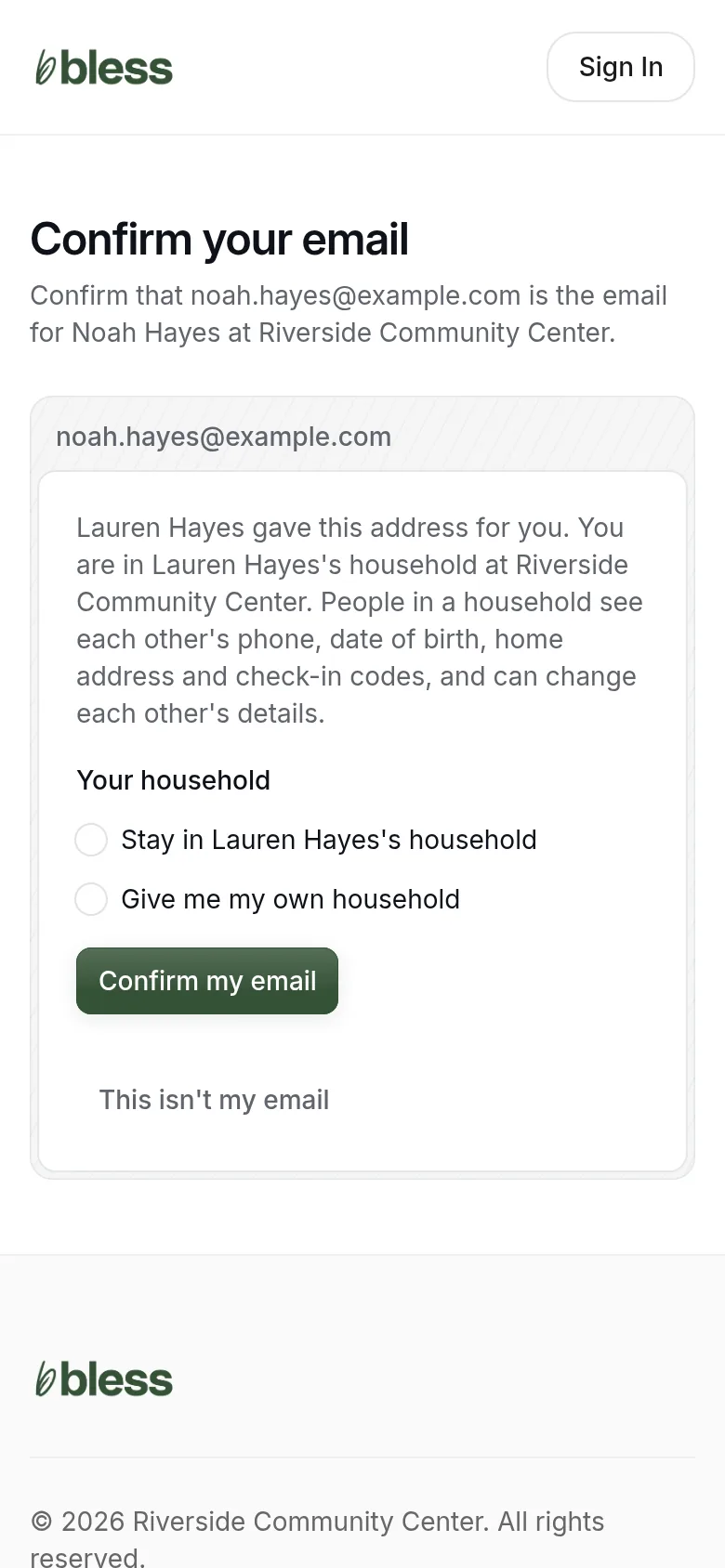
- Under Your household, choose:
- Stay in (their) household, if you live with them. People in a household see each other’s phone, date of birth, home address and check-in codes. They can change each other’s details.
- Give me my own household, if you do not live with them.
- Press Confirm my email.
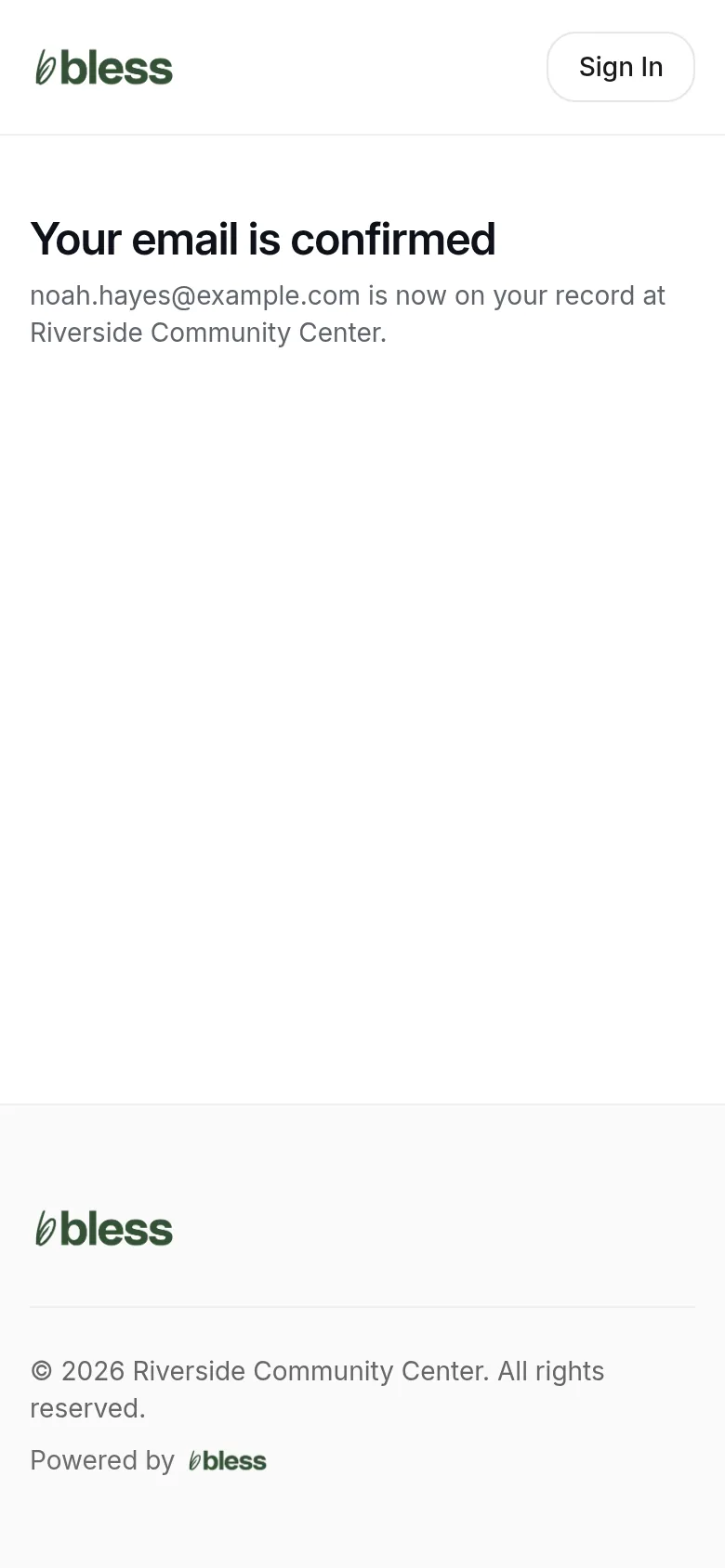
You see “Your email is confirmed”. The email is now yours on your record.
The link works for 7 days. After that, or after you use it, you see “This link was already used or has expired”.
If it is not your email
- Open the link.
- Press This isn’t my email.
Bless removes the email from the record. No more emails for that person go to it.
If you see “This email already belongs to someone”
Another person at the organization already has this email. Contact the organization to change it.
Updated
Was this page helpful?
Thank you. Your answer helps us make these pages better.